Docs Sign-in and users
Sign-in and roles
How people sign in to Lantern, the three roles, and how directory groups become roles.
Everyone signs in before they see anything. Administrators set sign-in up in Settings › Sign-in.
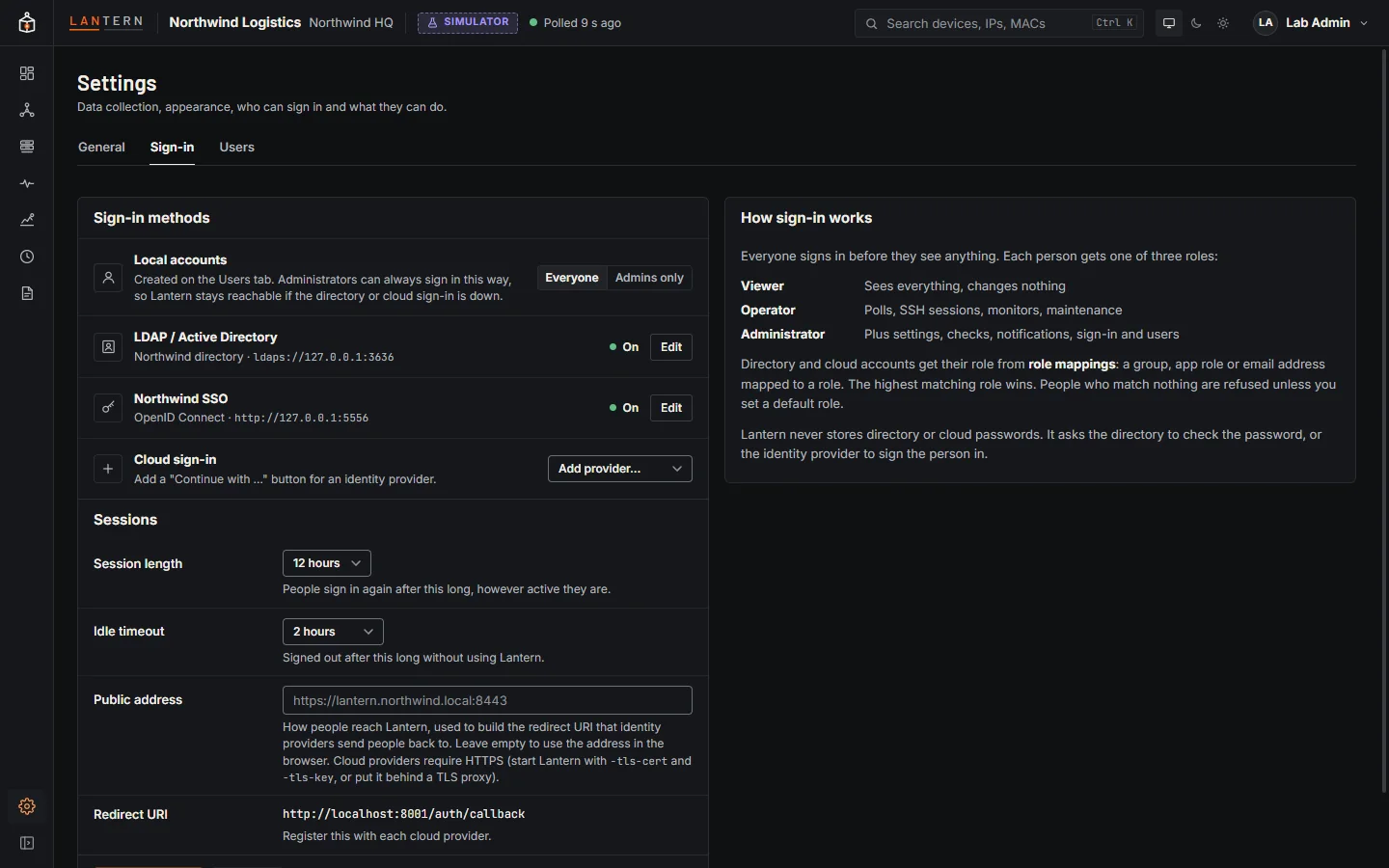
Sign-in methods
| Method | How it works |
|---|---|
| Local accounts | Usernames and passwords kept by Lantern (bcrypt hashes). The first administrator is one. Create more on the Users tab. |
| LDAP / Active Directory | People sign in with their directory username and password. Lantern looks them up with a read-only service account and asks the directory to check the password. See LDAP and Active Directory. |
| Cloud sign-in | A Continue with … button per provider: Microsoft Entra ID, Google Workspace, Okta or any OpenID Connect provider. People sign in at the provider (with its MFA); Lantern never sees their password. |
You can use all three at once. On the sign-in page, a username that matches a local account signs in locally; any other username goes to LDAP.
Local accounts: Everyone or Admins only. Choose Admins only to require directory or cloud sign-in for staff while keeping local administrator accounts as a way in when the directory or identity provider is unavailable.
Roles
| Role | Can |
|---|---|
| Viewer | See everything: map, inventory, health, monitoring, changes, reports. Changes nothing. |
| Operator | Everything a viewer can, plus day-to-day work: poll now, open SSH sessions and read their recordings, create and edit monitors, acknowledge alerts, schedule maintenance, inject simulator test faults. |
| Administrator | Everything, including Settings (poll interval), best-practice check settings, notification channels and schedules, monitoring retention, sign-in settings and users. |
The server checks the role on every request. Buttons a role cannot use are disabled with an explanation, and anything the server refuses says which role it needs.
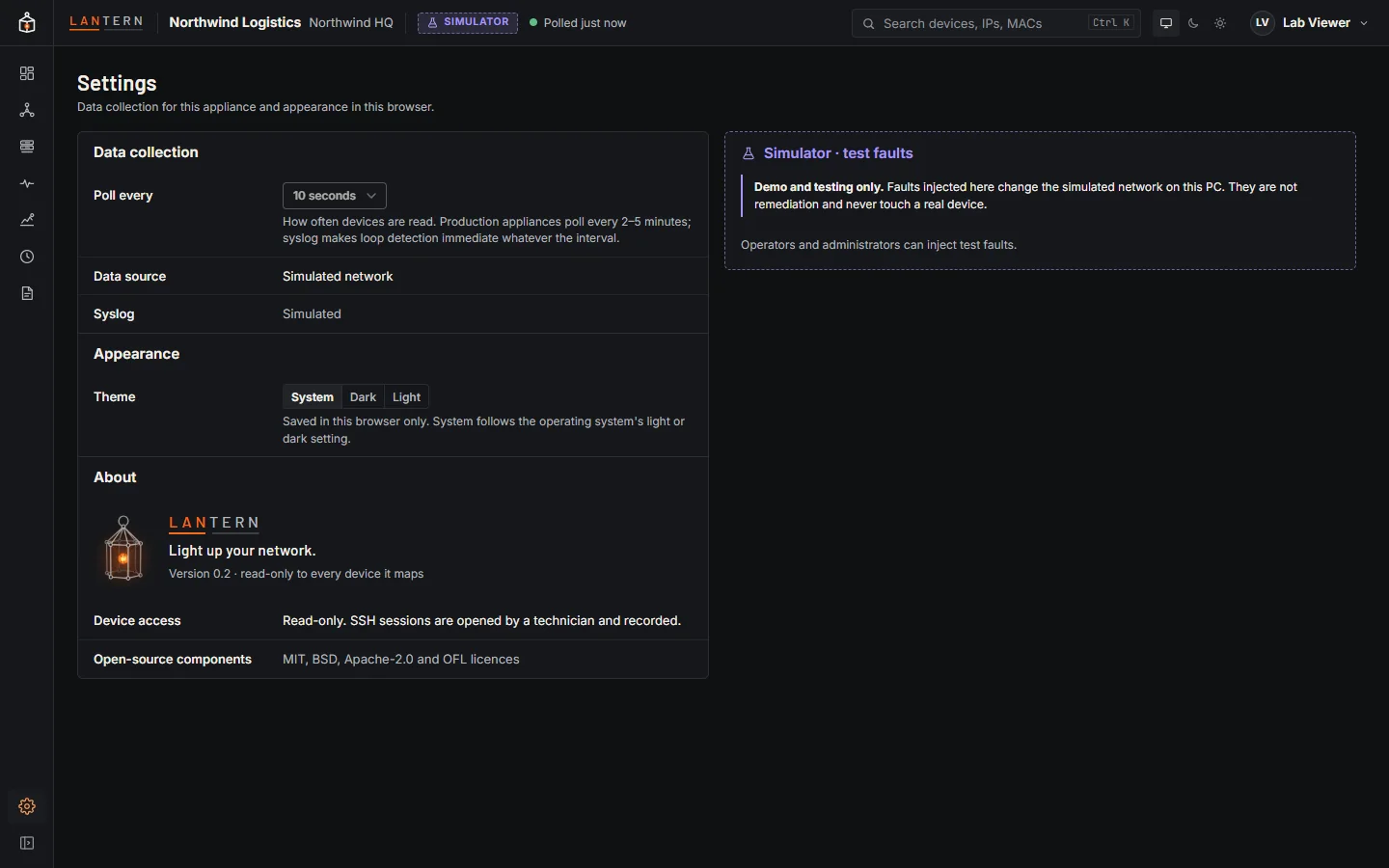
Role mappings
Directory and cloud accounts get their role from role mappings. Each mapping matches one of:
- a group: an LDAP group's DN or just its name, or a group or app-role value the identity provider puts in the ID token;
- a person's username or email address.
Matching ignores case. When several mappings match, the highest role wins. People who match nothing are refused unless you set Everyone else to a default role (for example, everyone in your Google Workspace domain as Viewer).
Roles are worked out again at every sign-in, so a change in the directory takes effect the next time the person signs in. Local accounts have their role set on the Users tab.
Sessions
| Setting | Default | Meaning |
|---|---|---|
| Session length | 12 hours | People sign in again after this long, however active they are. |
| Idle timeout | 2 hours | Signed out after this long without using Lantern. |
Sessions are kept in memory and end when Lantern restarts. The session cookie is HttpOnly and SameSite=Lax, and marked Secure when Lantern is served over HTTPS.
Public address and redirect URI
Cloud providers send people back to Lantern after they sign in, to the redirect URI shown in Settings: your public address followed by /auth/callback, for example https://lantern.northwind.local:8443/auth/callback. Set Public address to the address people use; the redirect URI updates as you type, and that exact URI is what you register with each provider. Cloud providers require HTTPS for it (except localhost): see Serve Lantern over HTTPS.
Sign-in activity
Every sign-in, failed attempt, sign-out, settings change and account change is recorded with the person, time and address. The latest are on Settings › Users › Sign-in activity; the full log is auth-audit.log in the data folder.