Docs Use Lantern
Monitoring
Turn any SNMP value into a monitor with confirmed status changes, alerts, maintenance windows and notifications.
Monitoring watches individual SNMP values, such as CPU, temperature, power supply state, interface errors or traffic, and tells you when they cross a threshold. Like all of Lantern's polling, it only reads from devices.
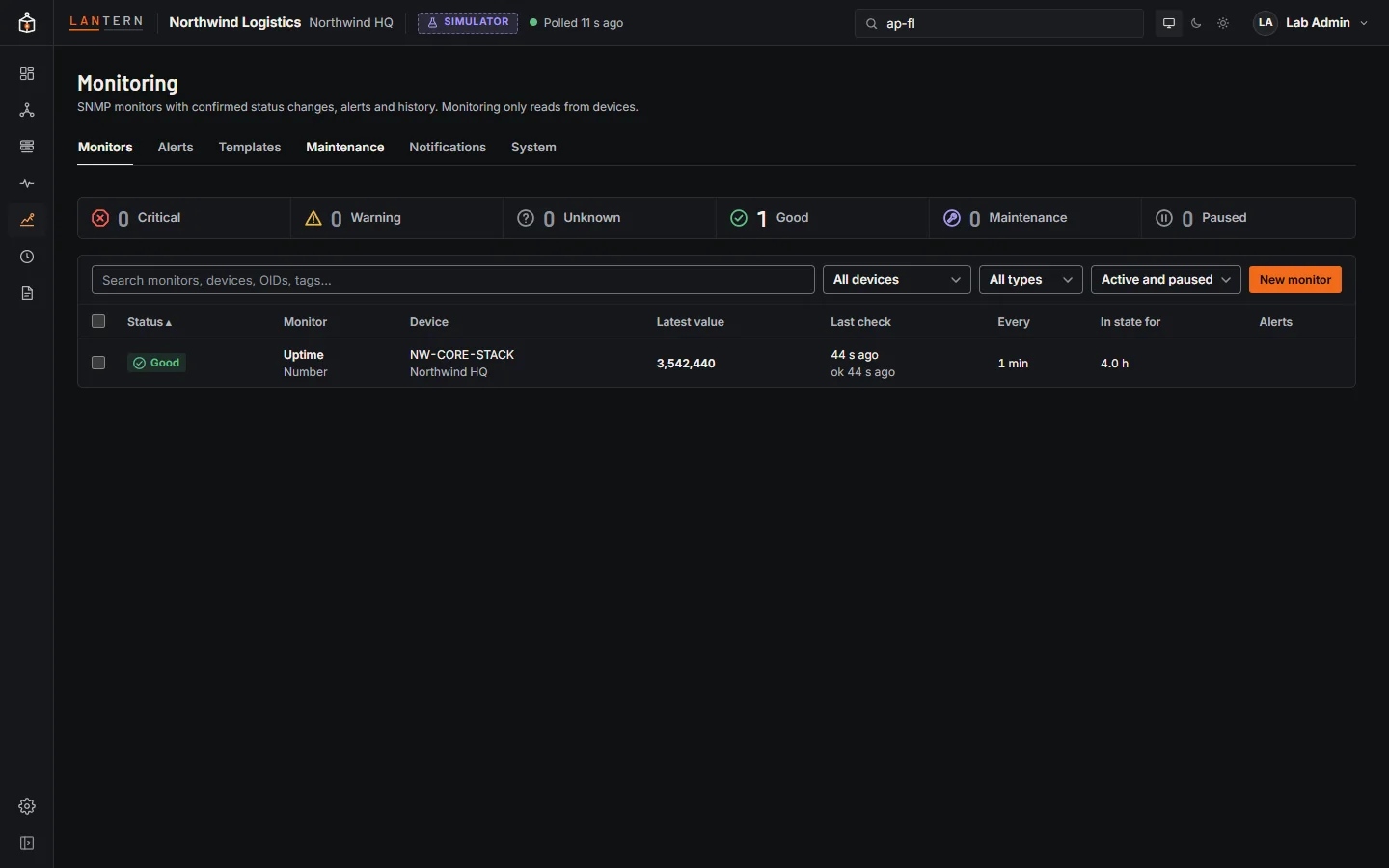
Create a monitor
- Open a switch or firewall and go to Monitor › Discover OIDs. Lantern walks the device and lists every value with a friendly name, its current value, the interface it belongs to and its description.
- Create monitor on a row (or select several rows and create them in bulk). You can also use New monitor on the Monitoring page.
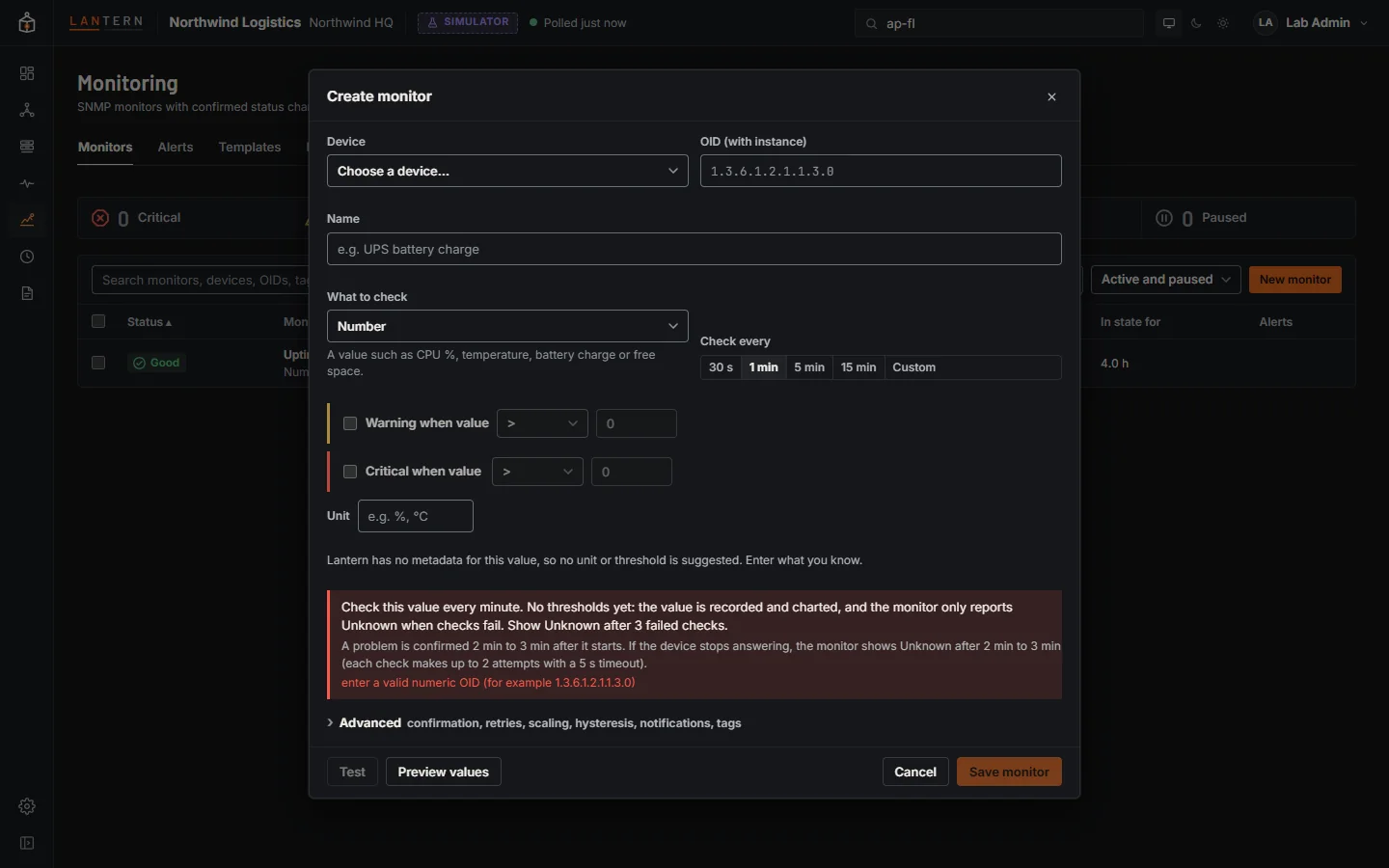
- Name it, set Warning and Critical conditions, and choose how often to check.
- Test runs a real read-only poll and shows what the monitor would see. Save.
| Type | Checks |
|---|---|
| Number | CPU, temperature, battery, free space: above, below, between, outside |
| State | Up/down, normal/fault: each state maps to Good, Warning or Critical |
| Text | Equals, contains, or matches a pattern |
| Counter | Traffic and errors, as a rate per second or the change since the last check |
| Availability | Whether the device answers SNMP |
| Calculated | A simple formula over several values of one device |
Status
Monitors are Good, Warning, Critical, Unknown, Paused or Maintenance, always as an icon and a word. A change is confirmed before it counts: by default three consecutive readings past a threshold for Warning or Critical, and two healthy readings to recover, so a single spike does not alert. The form shows how long a problem takes to be confirmed.
Alerts
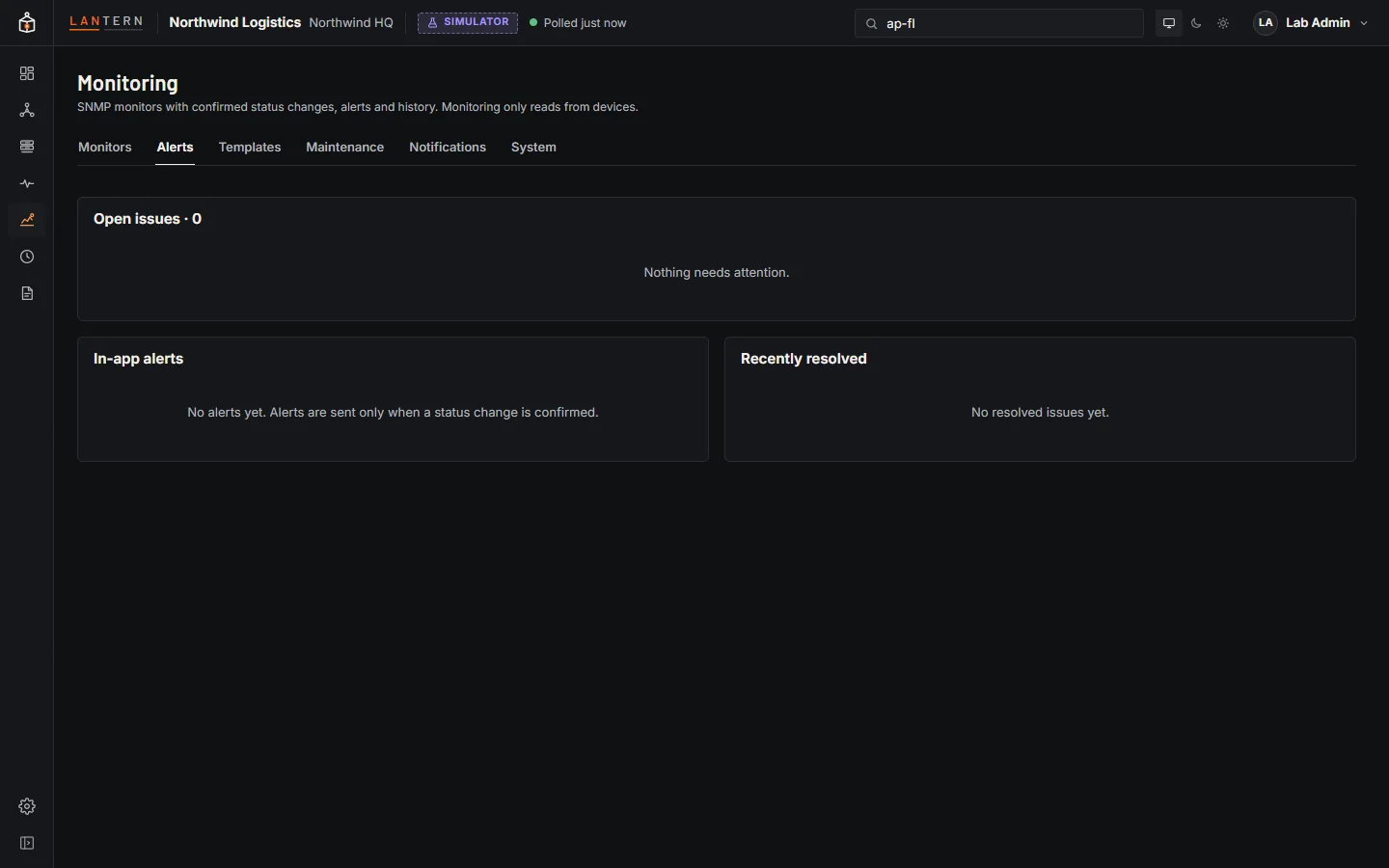
An alert opens when a monitor enters a confirmed Warning, Critical or Unknown state, and closes when it recovers. Acknowledge (with a note) stops reminders; getting worse notifies again.
Maintenance and schedules
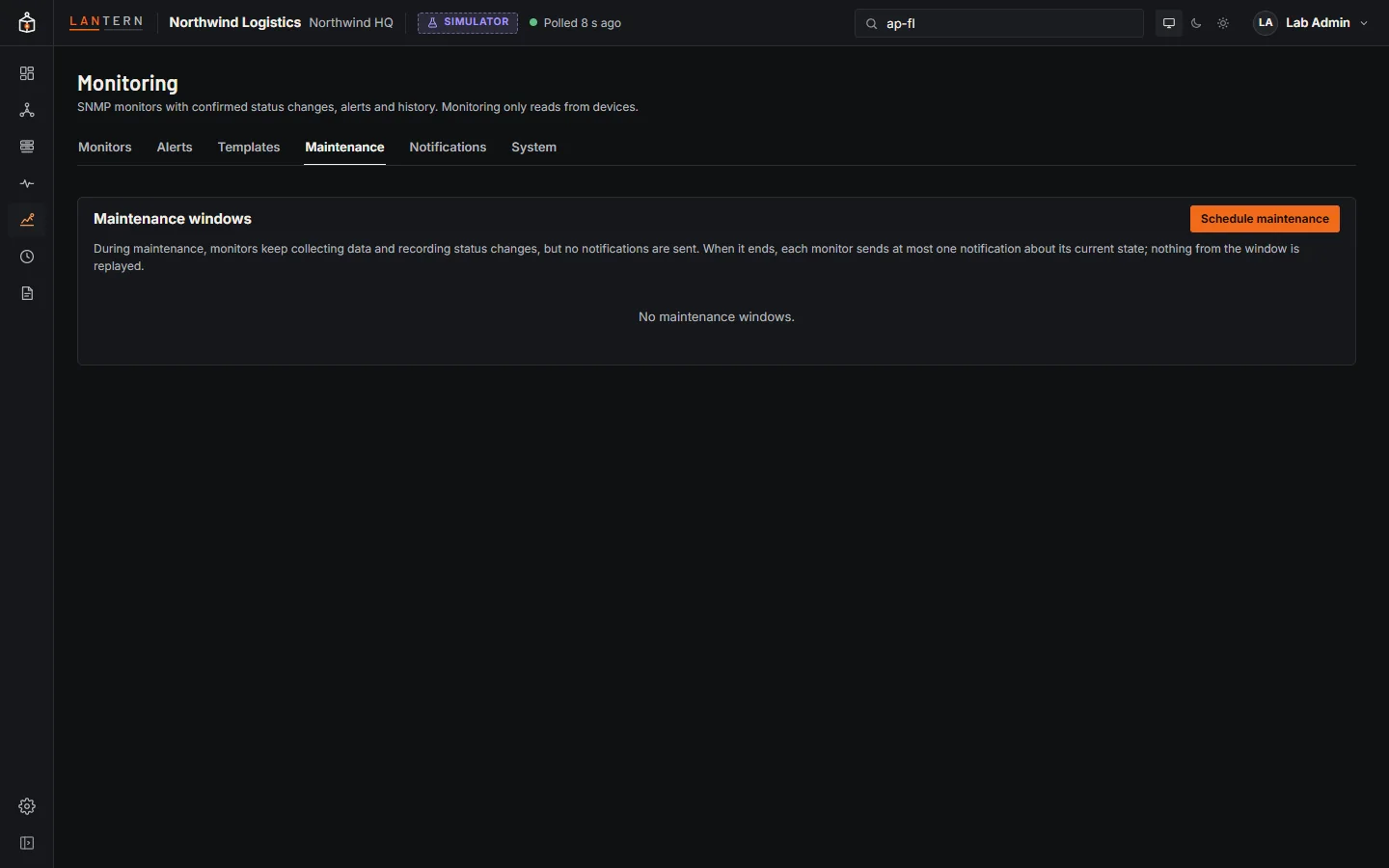
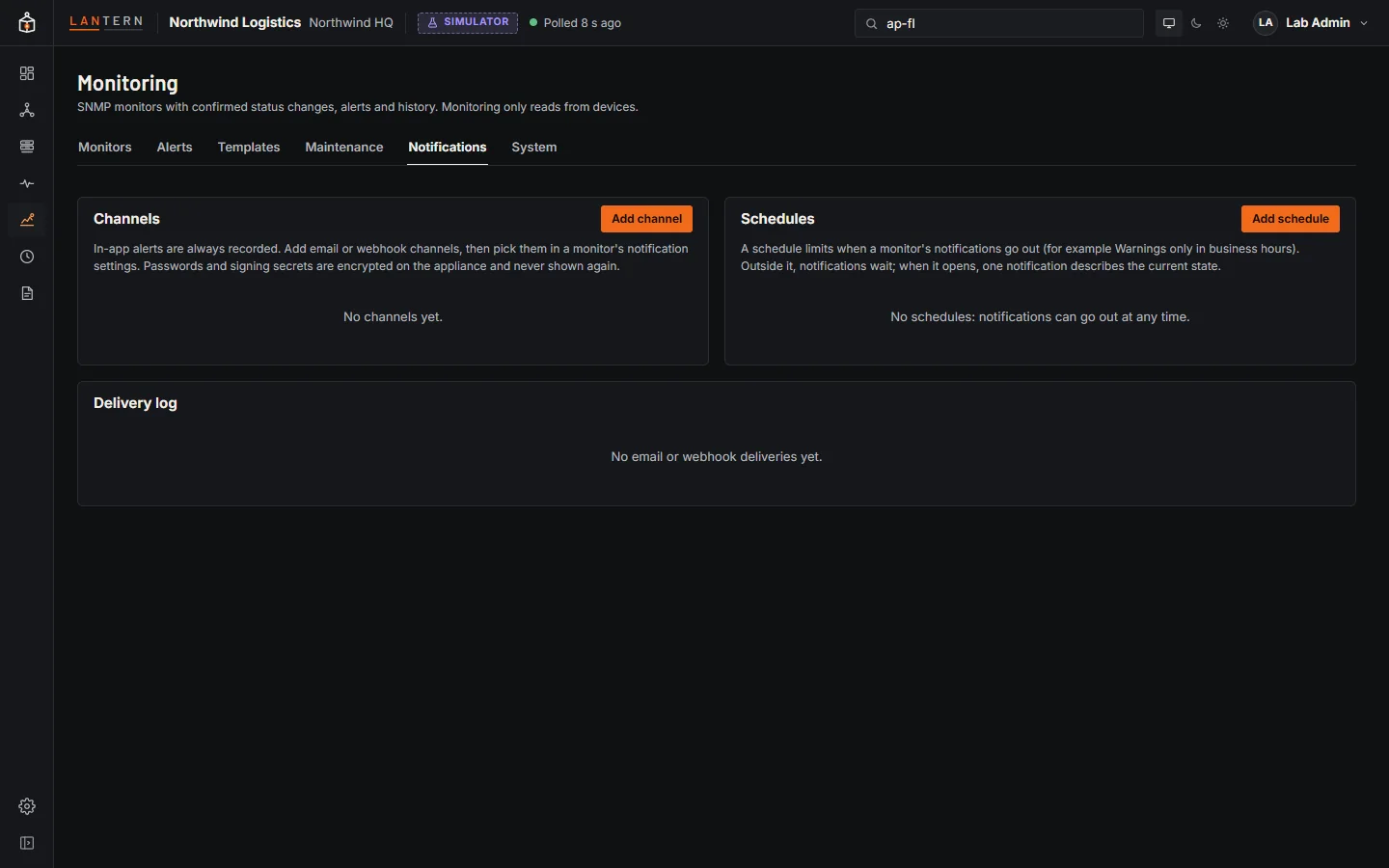
Maintenance keeps collecting data but sends no notifications; when it ends, each monitor sends at most one notification about its current state. Schedules limit when notifications go out, in a time zone you choose.
Notifications
Notifications go out on confirmed changes only, through in-app alerts (always), email (SMTP, optionally with STARTTLS) and webhooks (JSON, signed with an HMAC header when you set a secret). Failed deliveries are retried. Secrets are stored encrypted. Administrators manage channels and schedules.
Templates
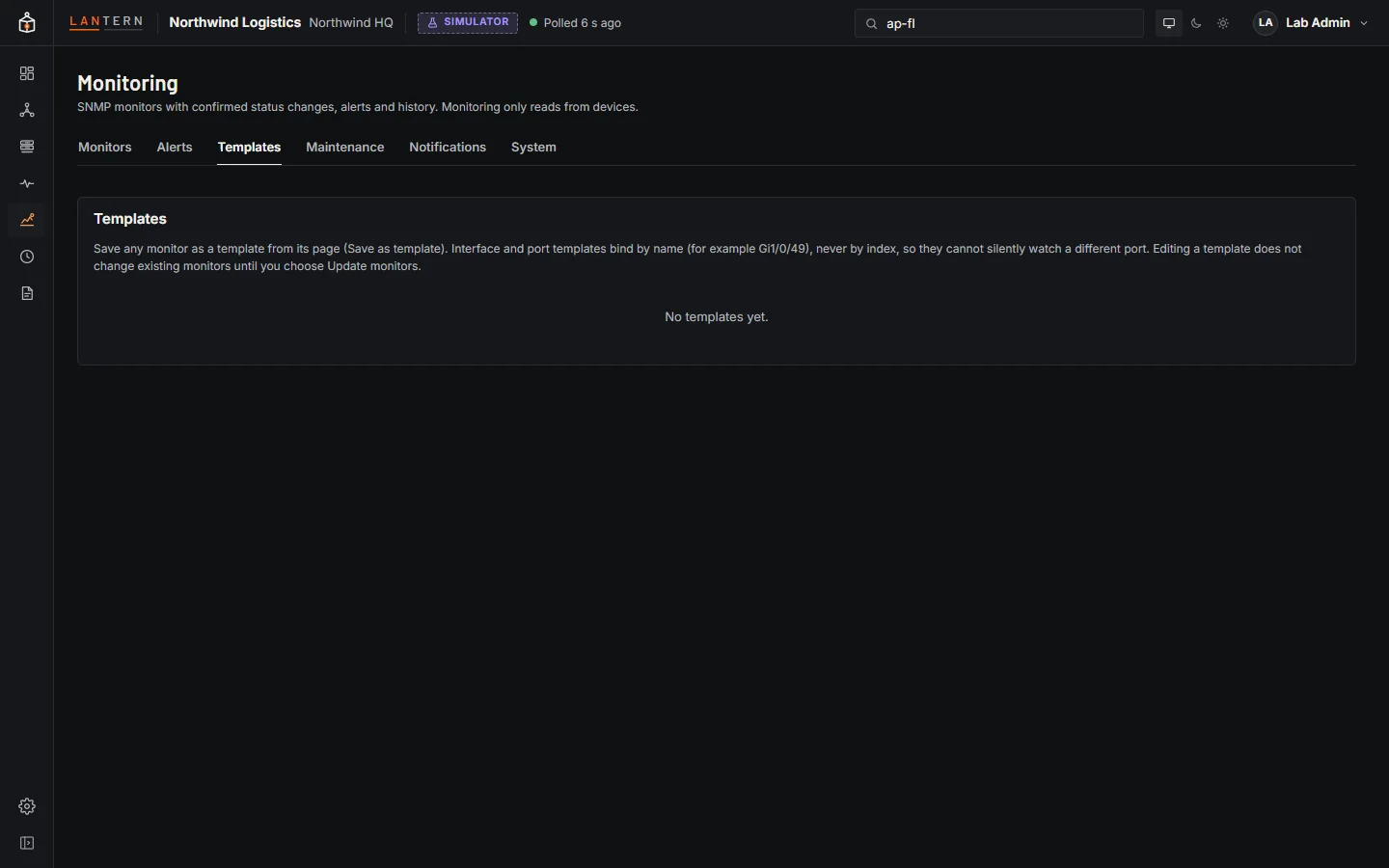
Save a monitor as a template and apply it to other devices. Interface templates bind by interface name, so they stay correct when a device renumbers its interfaces; Lantern checks compatibility per device before creating anything.
Monitoring history is kept in monitoring.db: every sample for 7 days, hourly minimum, average and maximum for 90 days, and events for a year.